

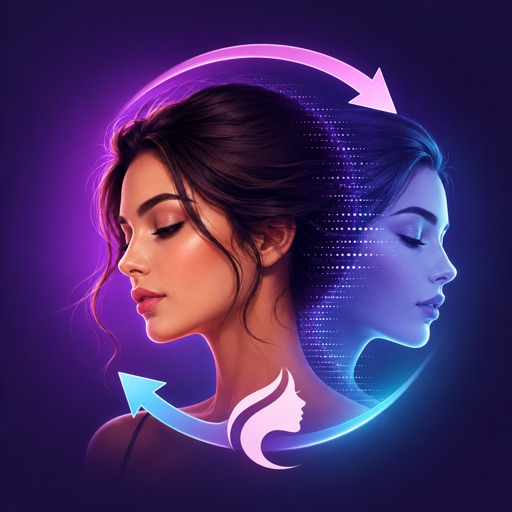
About this app
<p>Morphiqo swaps faces in videos and photos entirely on your own device. Nothing is uploaded, nothing waits in a queue, and no account is required.</p>
<p>See how the swap looks on your own device, then decide.</p>
<p>WHAT MORPHIQO DOES</p>
<p>Put a face into a video or a photo while keeping the original movement, lighting and expression. In a group shot, replace every face at once, a single face, or choose exactly which face to change.</p>
<p>- Video face swap, processed locally<br />
- Photo face swap with the same engine<br />
- Every / One / Choose face selection for multi-person shots<br />
- Works with no network connection at all</p>
<p>WHY ON-DEVICE MATTERS</p>
<p>Most face swap services upload your photos and videos to their servers and process them on shared hardware. Your face leaves your device, sits in someone else's storage, and waits behind other people's jobs.</p>
<p>Morphiqo never does this. The model runs on your device's GPU and Neural Engine. Your media stays in your photo library. There is no server to breach, no account to leak, and no upload to sit through. A one-minute 4K clip can take several minutes just to upload on a typical connection. Morphiqo starts working straight away.</p>
<p>HOW IT WORKS</p>
<p>1. Pick a source face from your photos<br />
2. Pick the video or photo you want to change<br />
3. Choose which face or faces to replace<br />
4. Preview the result on your device<br />
5. Subscribe to export in full quality</p>
<p>ABOUT PROCESSING TIME</p>
<p>Because everything runs on your own hardware, processing takes time, and how long depends on which device you use. As a guide, allow roughly three times the length of the clip on a recent device, so a ten-second clip takes about thirty seconds. Footage recorded at 60 frames per second takes about twice as long. Older devices are slower.</p>
<p>Morphiqo shows an estimate before every job, so you always know what you are waiting for. For video we recommend a device released in the last few years; you can check compatibility in the Information section of this page.</p>
<p>MORPHIQO PRO</p>
<p>- Export your face swaps in full quality<br />
- Unlimited exports, with no credits, coins or per-video charges<br />
- All face selection modes, including multi-person shots<br />
- Every future model improvement</p>
<p>PRIVACY</p>
<p>Your photos, videos and faces are processed on your device and are never sent to us or to any third-party AI service. We do not collect them, we do not store them, and we do not build a face database. We cannot see your media, because it never reaches us.</p>
<p>Please only swap faces of people who have agreed to it. Do not use Morphiqo to impersonate anyone, to create misleading content, or to produce anything sexual or defamatory involving a real person.</p>
<p>SUBSCRIPTION INFORMATION</p>
<p>Morphiqo Pro is available as an auto-renewing subscription or as a one-time lifetime purchase. Payment is charged to your Apple Account at confirmation of purchase. A subscription renews automatically unless it is cancelled at least 24 hours before the end of the current period, and your account is charged for renewal within 24 hours before the end of that period. You can manage or cancel your subscription in your Apple Account settings after purchase.</p>
<p>Privacy Policy: https://morphiqo.app/privacy<br />
Terms of Use: https://morphiqo.app/terms</p>
What stands out
Version updates
Version 1.40.0
• A cleaner studio: bigger preview and more room for your controls. • New Resemblance and Edge softness sliders to fine-tune every result. • Much more reliable video exports — long clips with "Keep hands and hair" on now finish instead of quitting, and they render faster. • Videos now export as H.264 so they play anywhere. Prefer smaller files? Turn on "Export as HEVC" in Settings. • Cancelling an export asks first, so one wrong tap can't lose your work. • Simpler setup, automatic performance tuning, and a clearer upgrade screen.
9 月 16, 2026 · Apple App Store · iOS · View sourceYou may also like
Recommendations use shared purpose, platform availability and rating confidence.
 OpenVidu - AI Video GeneratorSimilar purpose: AI Art
 AI Video & Reel GeneratorSimilar purpose: AI Art
 AI Avatar - Photo GeneratorSimilar purpose: AI Art. Strong cross-platform rating confidence.
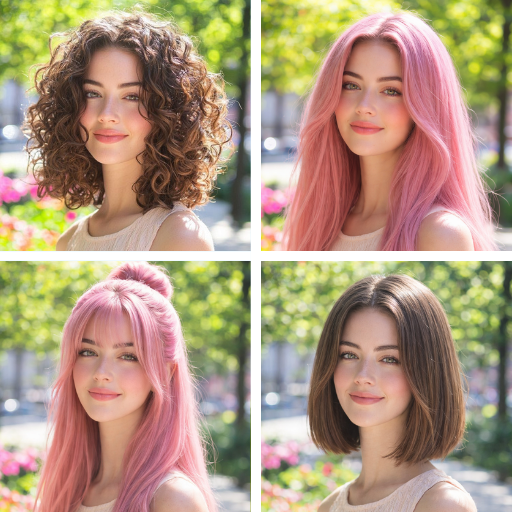 Tressy: AI Hairstyle Try OnSimilar purpose: AI Art
 AI Video Generator - VixelSimilar purpose: AI Art
 Rendio - AI Romance StudioSimilar purpose: AI Art
Popular comparisons
Compare features, pricing & platforms side by side.
Reviews
No reviews available yet.
Sign in to rate and review
Create a free account or sign in to leave a rating and review. Your name and email stay linked to your account.